• Home
  • Templates
  • Pricing

MailEditor – Create, customize, and send beautiful emails effortlessly. Designed for marketers, built for results.

iconsupport@maileditor.neticon+15057558453

icon1209 MOUNTAIN ROAD PL NE STE R,
ALBUQUERQUE, NM 87110

Product

  • Import & Edit
  • Integrations
  • Email Test
  • Signature Generator
  • Email Signatures
  • Signature Copier

Our Company

  • Contact us
  • About
  • Features
  • Why Maileditor
  • FAQ

Resources

  • Documentation
  • MailEditor Blog
  • Blueprints
  • What's New

Email Template for

  • ActiveCampaign
  • Campaign Monitor
  • Hubspot
  • Mautic
  • Braze
  • Brevo
  • Clicksend
  • Klaviyo
  • Moosend
  • Postmark
  • Gmail
  • Aweber
  • Mailchimp
  • Sendgrid
  • Benchmark Email
  • Outlook
  • Postmark
  • Marketo
  • Mandrill

Sign up for the newsletter

Secure checkout powered bystripe logopayment method
  • Brevo
  • Clicksend
  • Klaviyo
  • Moosend
  • Postmark
  • Gmail
  • Aweber
  • Mailchimp
  • Sendgrid
  • Benchmark Email
  • Outlook
  • Postmark
  • Marketo
  • Mandrill

© 2019-2026 Maileditor. All rights reserved.
Photos supplied by Unsplash, Freepik, and Pixabay.

SitemapPrivacy PolicyTerms of Service

Free HTML Email Templates

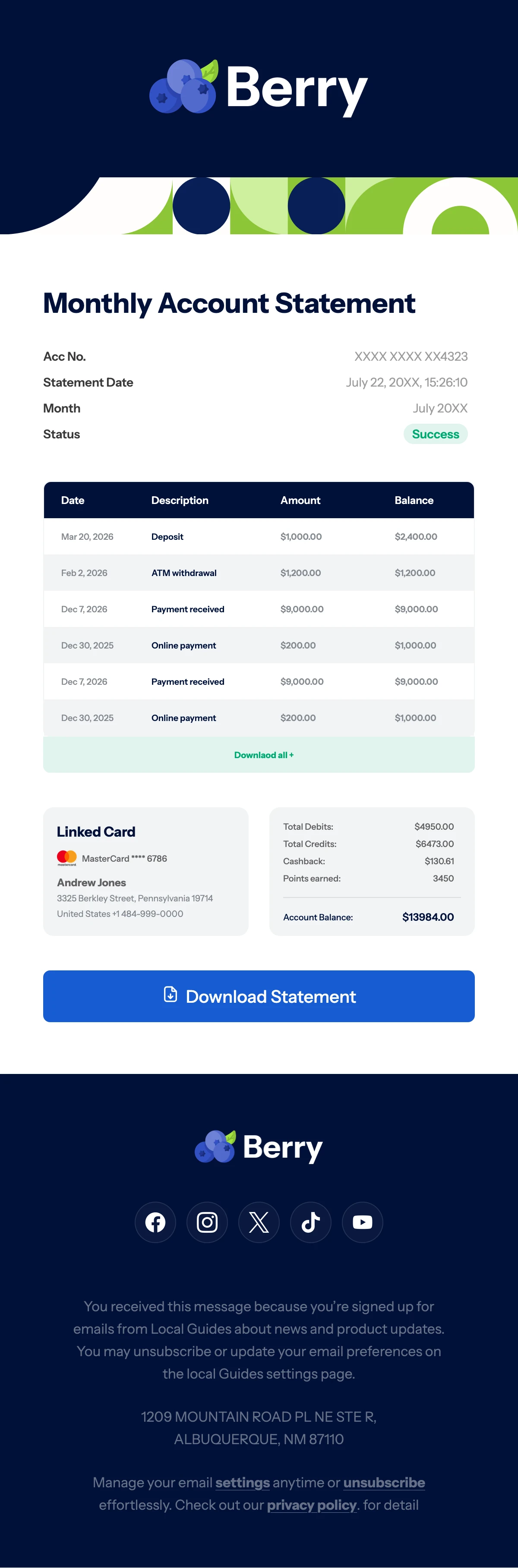
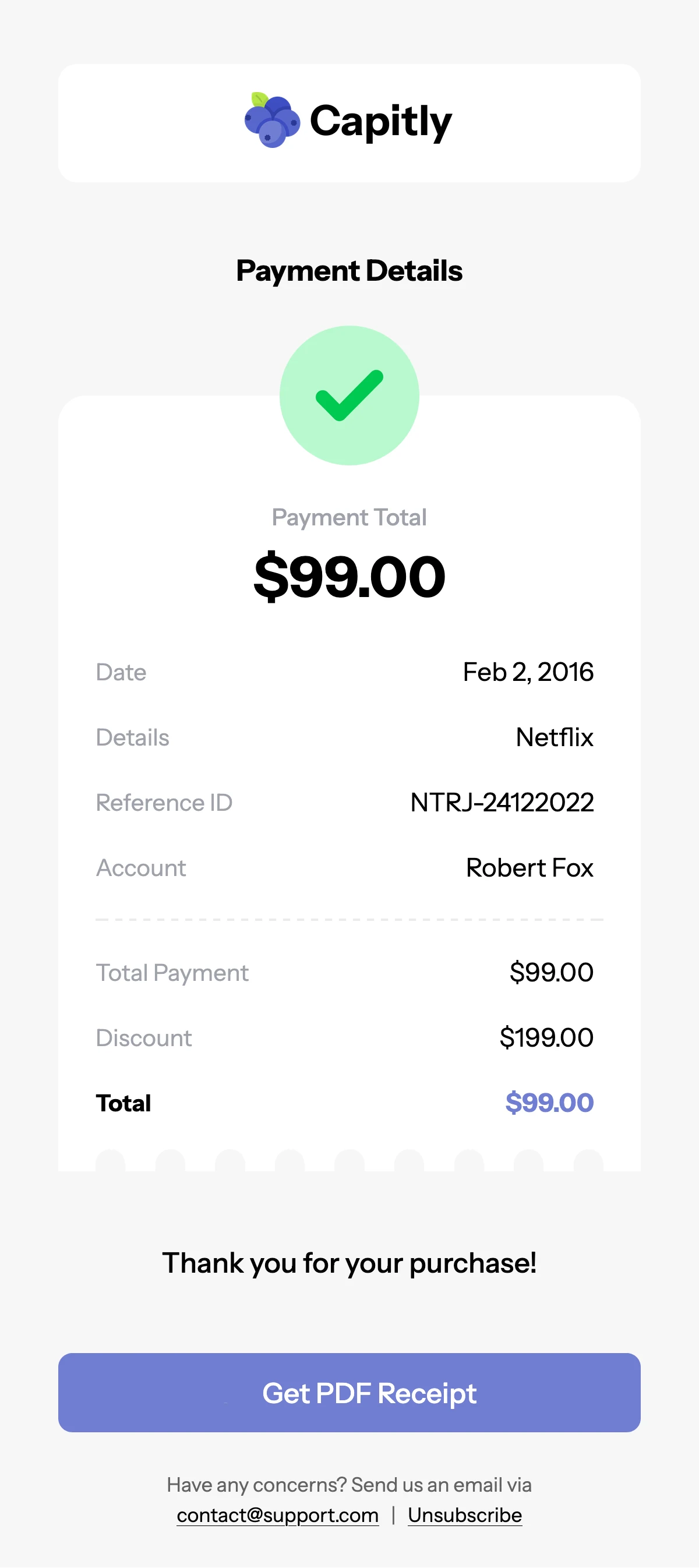
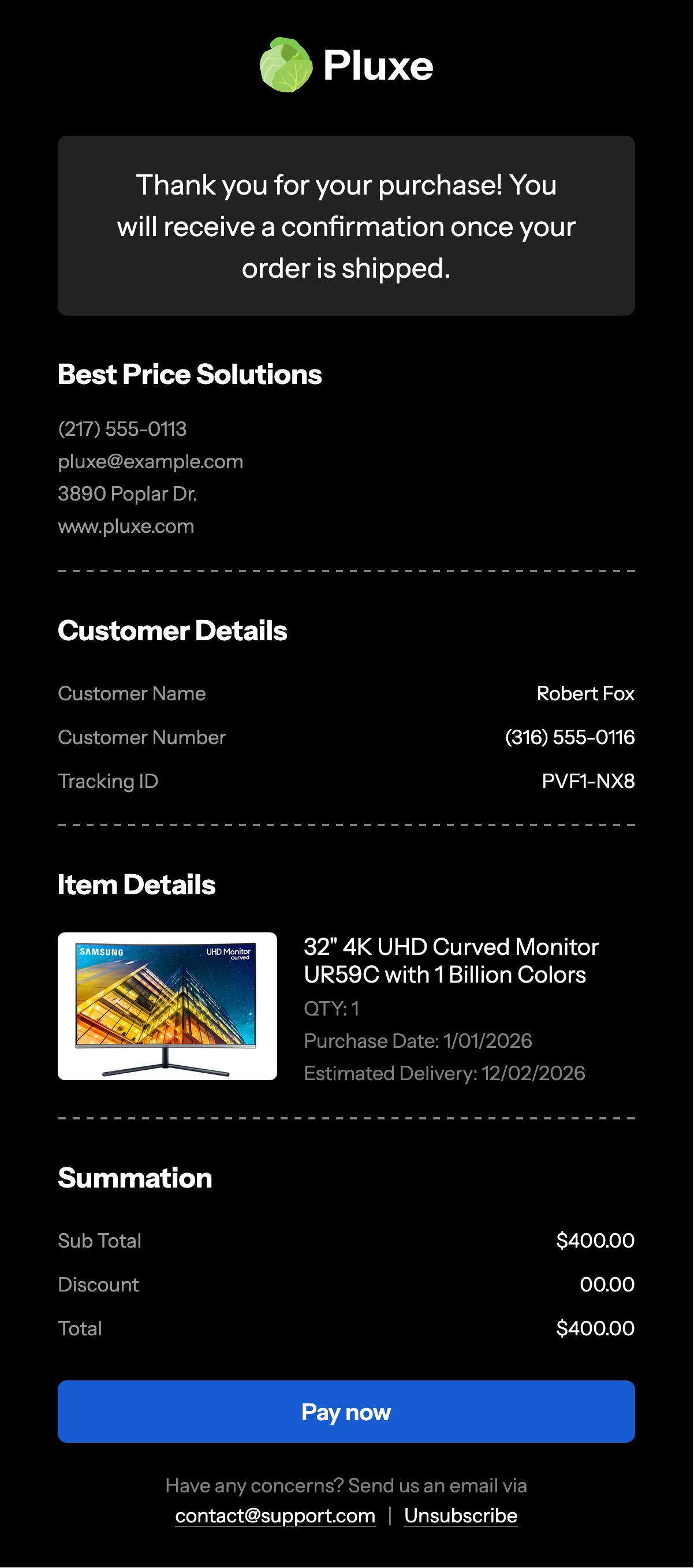
Browse a variety of responsive and customizable email templates designed for every campaign.

Type

Categories

Industries

Seasons

Black FridayTransactionalChristmas

Sort by:

Website Development Newsletter Template
21+ people voted
View DetailsEdit Template

Website Development Newsletter Template

Healthcare Consultation Email Template
41+ people voted
View DetailsEdit Template

Healthcare Consultation Email Template

Travel & Airline Deals Email Template
37+ people voted
View DetailsEdit Template

Travel & Airline Deals Email Template

Jewelry Collection Newsletter
38+ people voted
View DetailsEdit Template

Jewelry Collection Newsletter

Business Growth Email Template
45+ people voted
View DetailsEdit Template

Business Growth Email Template

Change password email template
1+ people voted
View DetailsEdit Template

Change password email template

Business Newsletter Template
39+ people voted
View DetailsEdit Template

Business Newsletter Template

Welcome Email Newsletter Template
1+ people voted
View DetailsEdit Template

Welcome Email Newsletter Template

Financial Management Newsletter Template
50+ people voted
View DetailsEdit Template

Financial Management Newsletter Template

Onboarding email template
2+ people voted
View DetailsEdit Template

Onboarding email template

Black Friday Ecommerce Email Template
39+ people voted
View DetailsEdit Template

Black Friday Ecommerce Email Template

Welcome Onboarding Newsletter Template
2+ people voted
View DetailsEdit Template

Welcome Onboarding Newsletter Template

Follow up email template
1+ people voted
View DetailsEdit Template

Follow up email template

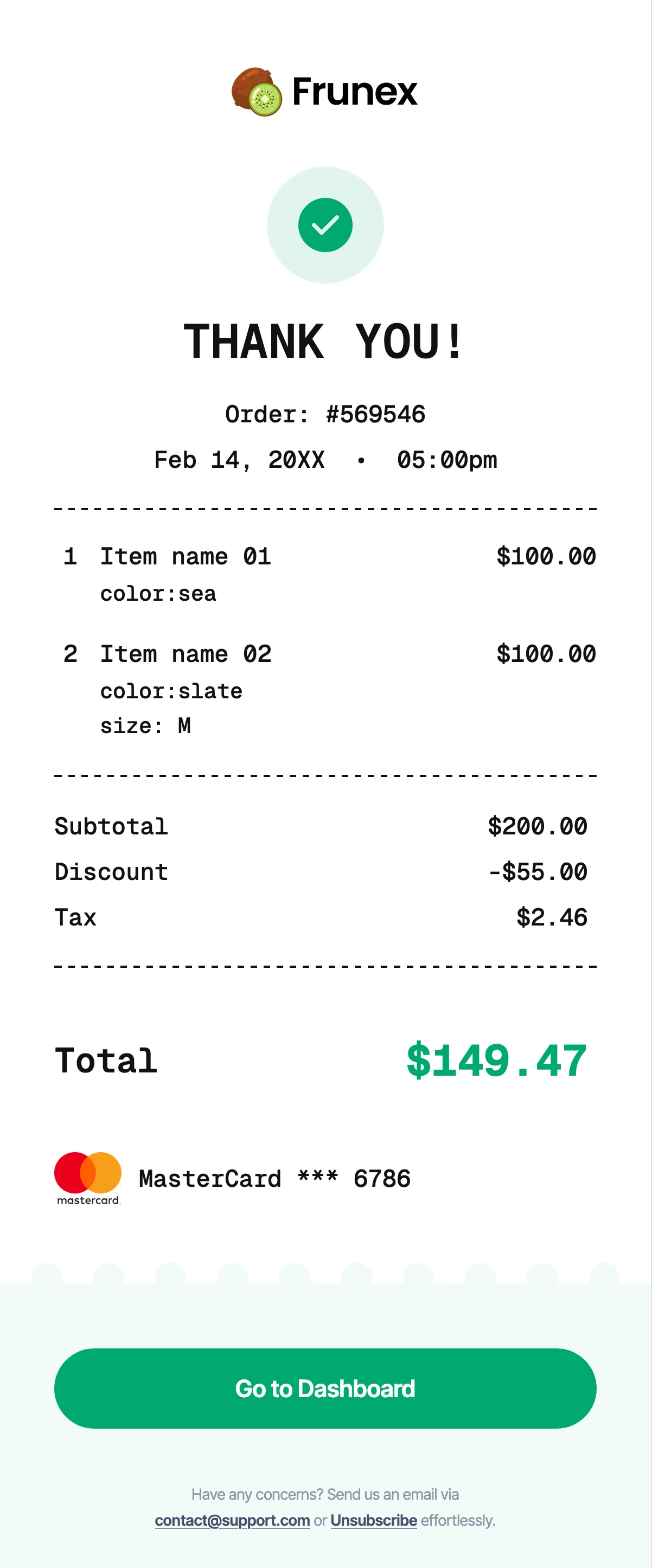
Booking confirmation email template
1+ people voted
View DetailsEdit Template

Booking confirmation email template

Affiliate Marketing Newsletter Template
21+ people voted
View DetailsEdit Template

Affiliate Marketing Newsletter Template

...

What does Maileditor do?

MailEditor allows you to edit any custom HTML email template with ease. If you're a developer building templates for clients who are not technical, you can use MailEditor to give them a simple, user-friendly way to update content without touching the code. MailEditor was built to give you full control over your custom HTML email templates. Just upload your code and start editing instantly.

Do I need to bring my own HTML, or does MailEditor provide templates too?

MailEditor is built primarily to help you edit your own custom HTML email templates. That said, it also includes a built-in template library, so you can start with a ready-made design if you prefer.

Are MailEditor templates responsive and fully tested?

MailEditor’s custom templates are fully hand-coded and tested through Email on Acid to ensure compatibility across all major inboxes. They’re built without bloated or junk code and are fully responsive on mobile devices.

What makes MailEditor different from other email builders?

MailEditor is built around reusability. You can reuse full templates or individual sections across campaigns, which makes scaling email production simple and consistent. Unlike most builders that generate heavy drag-and-drop code, our templates are hand-coded. That keeps them lightweight, clean, and easier to manage long term. MailEditor also goes beyond standard layout editing. You get editable graphic banners, interactive animated image sliders, bulk email signature generation for entire teams, and AI email sets (Upcoming) that include the essential emails most companies need. That combination of clean code, reusable structure, and advanced built-in tools is what sets MailEditor apart.

Can i order a custom template for my brand?

Yes, you can order a fully custom template directly at maileditor.net/order-template, Our designers and developers bring over a decade of experience in building high-performing HTML email templates. You’ll get a clean, responsive, professionally coded design tailored to your brand, delivered at a fair and competitive price.

What are modules?

Modules are reusable content blocks that make up an email template. Instead of designing every campaign from scratch, you build your layout using sections like headers, hero banners, product grids, text blocks, buttons, footers, and dividers. MailEditor comes with 100+ prebuilt modules you can use to assemble a complete email template in minutes. Just pick the sections you need, arrange them your way, customize the content, and you’re ready to go. It’s a fast, structured way to build professional emails without starting from a blank screen.

Finding email templates is easy. Finding ones that render correctly across Gmail, Outlook, Apple Mail, and mobile devices is not.

Every template inside MailEditor is built with clean, production-ready HTML code. They are fully responsive, tested for compatibility, and structured for real marketing performance. Whether you’re sending campaigns through Mailchimp, Klaviyo, Constant Contact, HubSpot, or another ESP, you can export and use these templates without breaking layouts or fighting formatting issues.

Designed for Marketers, Developers, and Growing Brands

These are not generic drag-and-drop layouts. Each template is created with real marketing use cases in mind:

• E-commerce promotions
• Product launches
• SaaS onboarding emails
• Newsletters
• Event announcements
• Black Friday campaigns
• Transactional emails
• AI and tech newsletters
• Agency campaigns

You can start with a prebuilt design or upload your own custom HTML and refine it inside MailEditor’s smart editor.

Fully Responsive and Cross-Client Compatible

Email design is not like web design. Outlook behaves differently. Gmail strips certain styles. Mobile layouts collapse in unpredictable ways.

That’s why our templates follow email-safe coding standards. They are structured to:

• Render correctly in Gmail, Outlook, Apple Mail, Yahoo
• Work on desktop and mobile devices
• Maintain consistent spacing and alignment
• Support custom branding and typography
• Keep code lightweight and clean

You don’t need to troubleshoot broken layouts. Just edit, export, and send.

Built for Real Email Platforms

MailEditor templates are compatible with major email service providers, including:

• Mailchimp
• Klaviyo
• HubSpot
• SendGrid
• Constant Contact
• Brevo
• Campaign Monitor

You can export templates for direct upload, push to supported platforms, or use them in Gmail drafts.

Smart Features Inside Every Template

Beyond design, MailEditor gives you tools that make templates more powerful:

• Editable banners and reusable content blocks
• Animated sliders
• Countdown timers
• Custom HTML support
• AI template generation
• Clean export for multiple ESPs

This means you’re not just choosing a design. You’re choosing a scalable email system.

Why Clean Code Matters in Email Templates

Many email builders generate bloated code that slows down loading and increases spam risk. MailEditor focuses on structured HTML email templates that keep file size optimized while preserving visual quality.

Clean structure improves:

• Deliverability
• Load speed
• Editing flexibility
• Long-term template reuse

If you care about inbox placement and consistent rendering, the code behind your template matters.

Browse, Customize, and Launch

Scroll through the template library, filter by category, and find a layout that fits your campaign. Customize colors, images, fonts, and sections in minutes. Export to your email platform and send with confidence.


If you need a fully custom email template built from scratch, our team can also design and code it for you.

Not Enough?

Order a Custom Template.

Order Custom Template Now

Can't find the perfect template? Our experts will design a custom email template tailored to your brand—responsive, unique, and fully tested for compatibility.

Tested withTested with