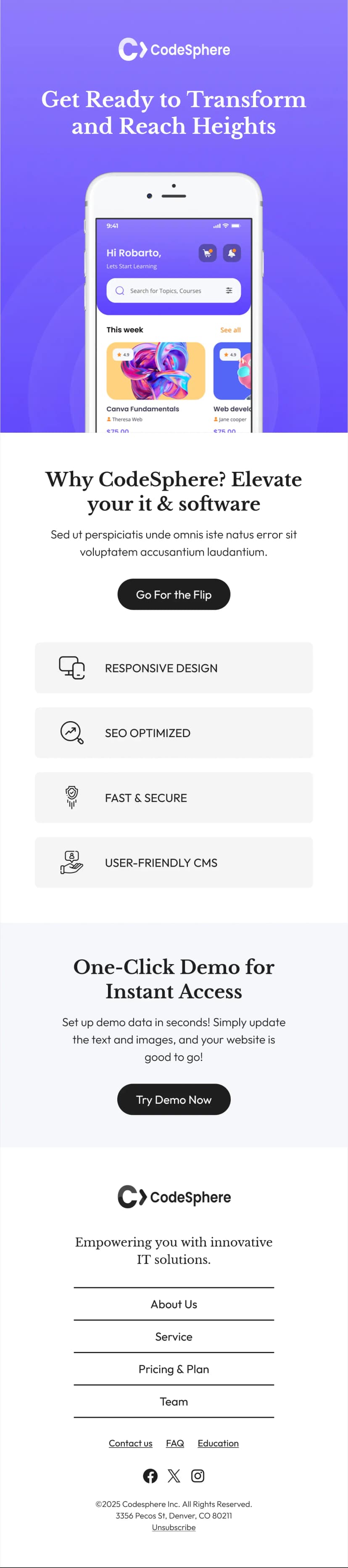


Follow up on your financial reports the right way with this financial report feedback newsletter template. Designed with a clean, professional layout featuring finance-themed imagery and a conversational tone, this template makes it easy to thank your readers for downloading a report and invite them to share their thoughts. It is perfect for finance teams, consultants, and content marketers who want to turn passive readers into engaged audiences.
What's Inside This Financial Report Feedback Newsletter Template
This financial report feedback newsletter template opens with your brand logo and a bold financial imagery header to set a professional tone right away. The body includes a personalized greeting, a thank-you message with a link to the downloaded report, and a friendly prompt asking readers for feedback on what they found most useful. A secondary link encourages readers to explore more reports on your website, followed by a clear "Get Insights Now" CTA button. The footer includes social media links, company address, and copyright details for a complete branded experience.
Use Cases
- Post-download follow-up for financial reports
- Quarterly earnings report feedback collection
- Investment research newsletter engagement
- Market analysis report distribution
- Client-facing financial summary follow-ups
- Lead nurturing after gated content downloads
- Internal team feedback on financial presentations
- Analyst report reader engagement campaigns
Why Use a Financial Report Feedback Newsletter Template
Sending a report without a follow-up is a missed opportunity. This financial report feedback newsletter template helps you close the loop with your audience by encouraging two-way communication. Collecting feedback shows your readers that their opinions matter and gives you valuable data to shape future content. The professional finance-focused design builds credibility and keeps your brand top of mind with decision-makers and stakeholders.
How to Customize This Template
Open this financial report feedback newsletter template directly in Maileditor and start customizing it to fit your brand. Add your company logo, update colors, swap the header imagery, and personalize the greeting with merge tags. Edit the report link to point to your latest publication and adjust the CTA button text to match your campaign goal. Once you are happy with the design, export it easily to your preferred email service platform like Mailchimp, HubSpot, SendGrid, or any other provider you use. No coding required.